Send sound from Zoom, Teams, Chrome, or a microphone straight to your HDMI recorders, monitors, and speakers. Click a source, click a destination, and watch the meters confirm it's getting there.
Free · Windows & Mac · No driver or virtual cable to install · Optional tip jar in the app.
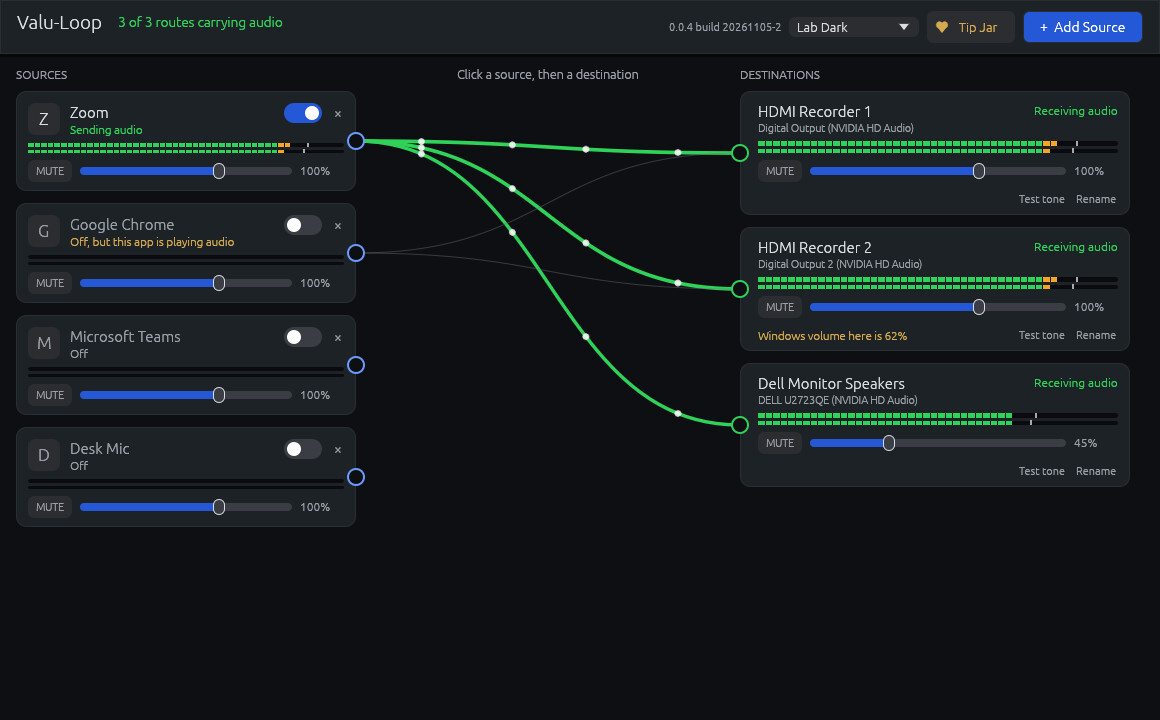
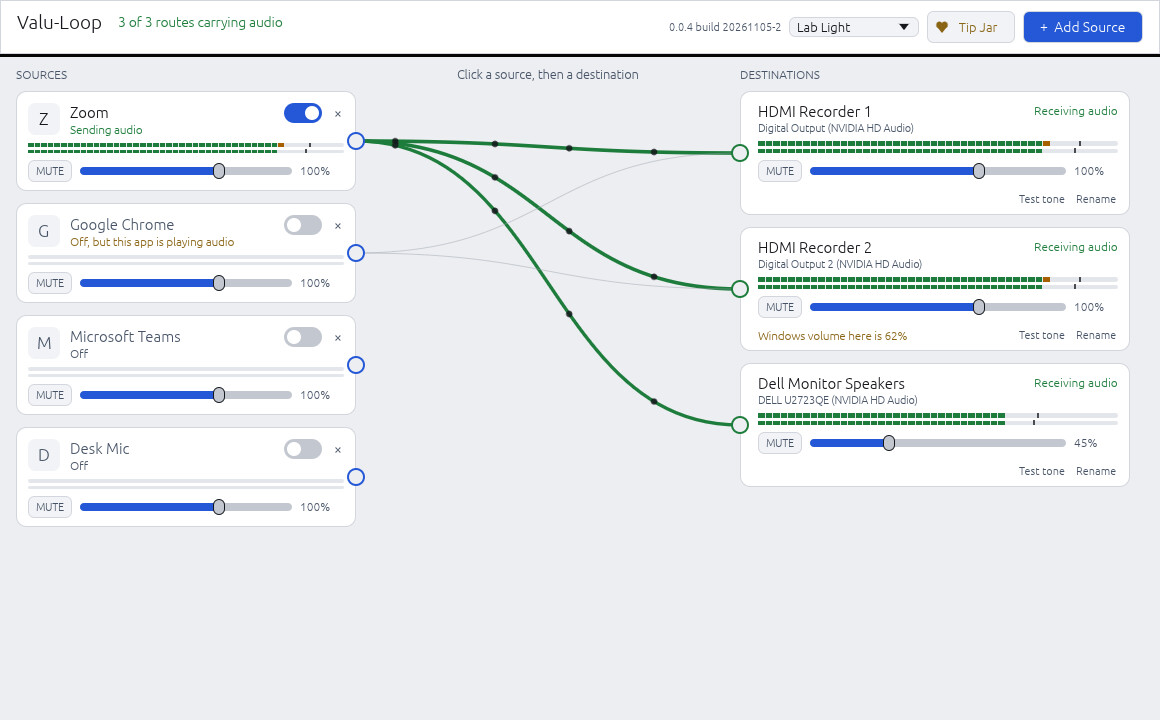
Sources sit on the left and destinations on the right. A wire between them means sound is routed there, and it turns green when the sound is arriving.

Shown with sample devices. Zoom is on and reaching all three destinations. Chrome's wires stay in place while it's off.
There's no license, no subscription, and no account. If Valu-Loop saves you on a job, there's an optional Tip Jar button in the app.
Send one app to several devices, or mix several sources into one.
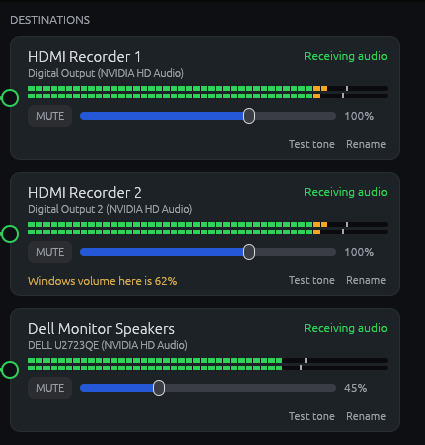
Destination meters read the sound actually sent to that device, not just what the app is playing.
Every source and destination has its own volume and mute, so a monitor can be turned down without touching the recorders.
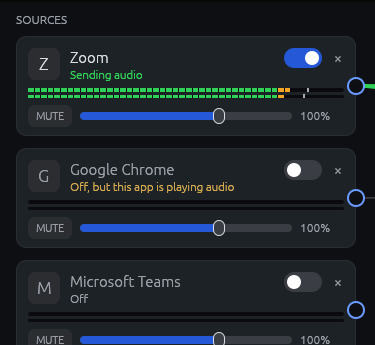
Chrome today, Zoom tomorrow. Flip a switch and your wires stay where they are.
See which apps are outputting audio right now, then click one to add it.
Destinations are fixed devices, so changing your default speakers doesn't move your routes.
See when the system has a device muted or turned down, a recorder drops off, or an app is playing while its source is off.
Routes come back when an app reopens or a recorder returns. Everything is remembered for next time.
Tuck away outputs you never route to, and bring them back any time.
Keep Zoom, Teams, Chrome, and your mic listed, and turn on only what you need. A gold warning appears if a source is off while that app is playing audio.

Name each device, play a test tone on it, and set its level on its own. If the system has turned a device down, Valu-Loop tells you.


64-bit Windows 10 version 2004 or newer, or Windows 11.
Apple Silicon with macOS 14.2 or newer. Allow audio recording and Microphone when asked.
A destination must show up as a sound output on your computer. An HDMI recorder only appears while it's connected and active.
Follow the recording and consent rules that apply to your job. Do a short test recording before you rely on a new setup.
Free for Windows and Mac. The tutorial walks you through your first deposition setup.
Valu-Loop is free. There's an optional tip jar in the app if you'd like to support development · Daniel Holmstock · 540-718-3545